Quest NPC setup
Enabling quest giving NPCs
By default, players can play all available quests through a special menu, opened with the /mqs chat command. You can change it so quests are given by NPCs. To do that go to the Settings tab inside the Administration Menu, open Server settings, and turn on the Enable quest NPCs option.
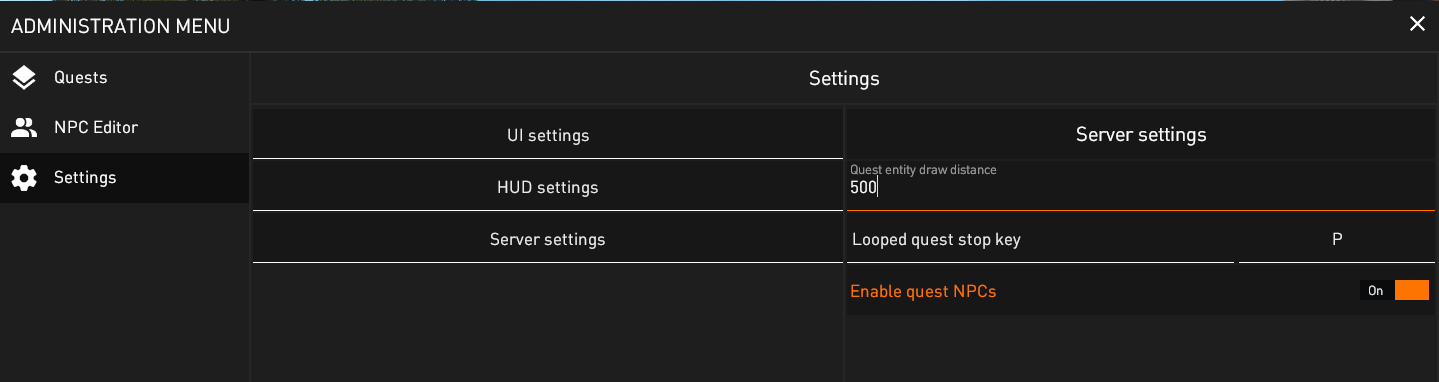
After you enable this option, you can start creating quest-giving NPCs. You can also use NPCs from MAC's Simple NPCs, see the integration guide.
Creating an NPC
To create an NPC enter the NPC Editor tab and click the New NPC button. In the popup menu, you can set all basic settings for the NPC:
Name
The NPC name, displayed above the NPC and inside the dialogue menu.
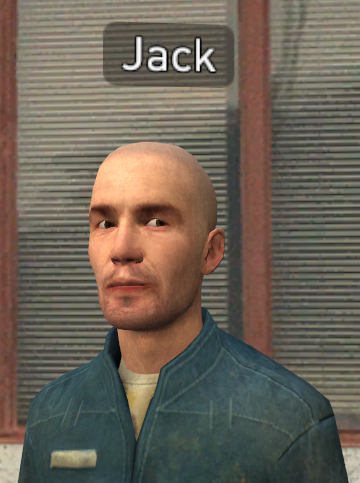
Model
NPC model path. Copy the path from the Q menu, or from the entity in front of you with the Copy from looking entity button.
Note: If the NPC stands in a T-pose, use the Set Animation option to set a custom animation.
Set Animation
Choose one of the animations of the NPC model to use instead of the default standing animation. The NPC preview changes as you select animations in the list.
NPC speech
Text shown to the player if they can play at least one of the quests linked to the NPC.
Player's positive answer
Answer the player chooses to open the list of quests they can play.
Player's negative answer
Answer the player chooses to close the dialogue menu.
NPC speech if no quests
Text shown to the player if they can't play any of the quests linked to the NPC.
Player's answer if no quests
Answer the player chooses to close the dialogue menu if they can't play any of the quests linked to the NPC.
Spawn position
Spawn position of the NPC. It affects only the current map: if you use multiple maps, edit the NPC on the other map and set a new position there. The position can be set to your position, your aim position or the position of the entity you are looking at.
Linking a quest to an NPC
After you create the NPC, it spawns in 5 seconds. To link a quest to it, go to the Quests tab, edit the quest, open Main options and click Link quest to an NPC at the end of the list. Search the NPC by name, choose it and save the quest. Players can then talk to the NPC and play the quest if it is available to them.
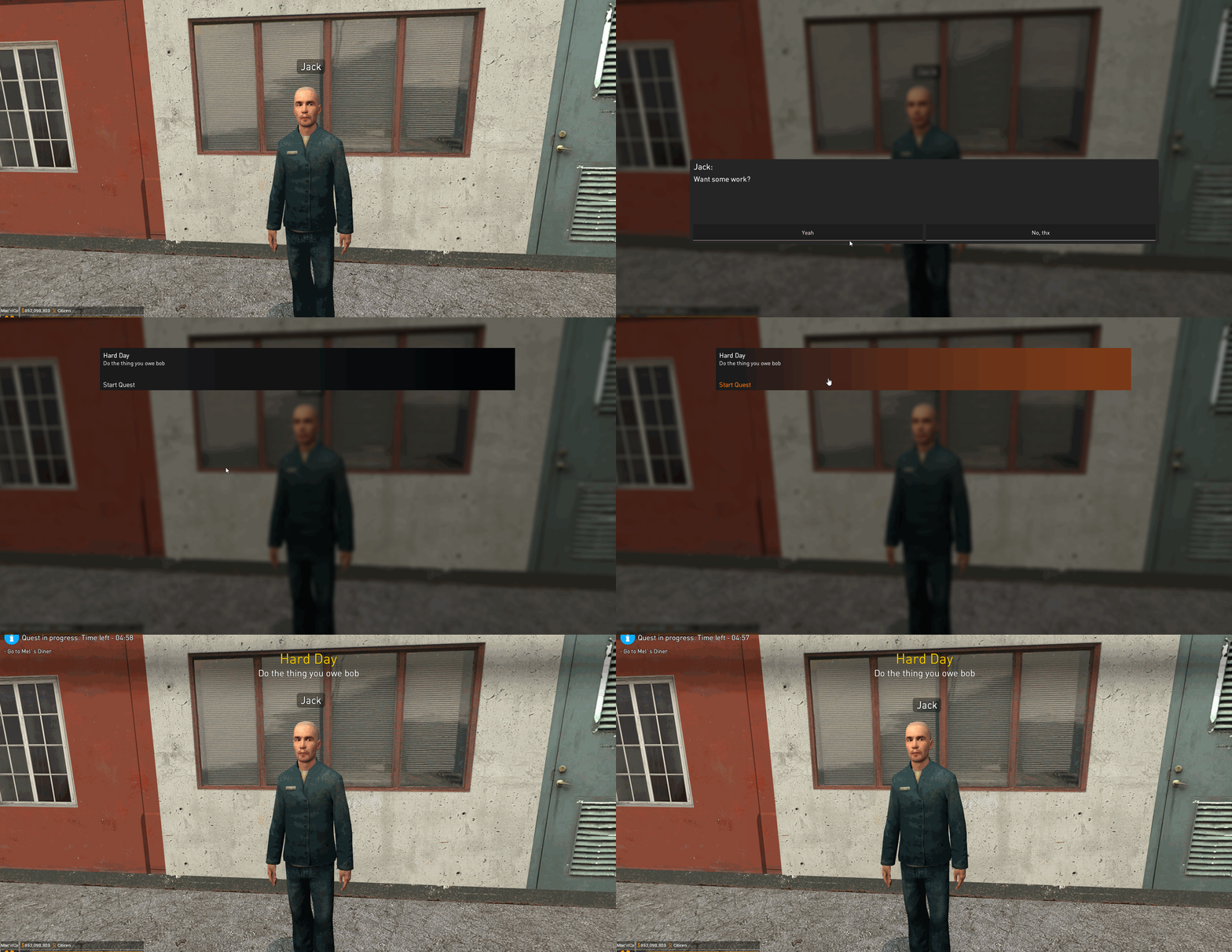
Players must stand next to the NPC to start its quests. Quest editors can start any quest from anywhere for testing.
